TechBriefly PL
  • Tech
  • Business
  • Geek
  • Science
  • How to
  • about
    • Sur Tech Briefly
    • Modalités et Conditions
    • Politique de Confidentialité
    • Contact Us
No Result
View All Result
TechBriefly PL
No Result
View All Result
Home Styling
Page and Post Heroes

Page and Post Heroes

byAytun Çelebi
21/09/2018
in Styling
Reading Time: 2 mins read
Share on FacebookShare on Twitter

Page Heroes are those big bold images and headlines you find at the top of your posts and pages. They sit just below the Site Header and added using the Header Element module, when activated provides the Elements menu in Dashboard > Appearance > Elements

Dispatch has two Header Elements in place. But you can add as many as you need.

Magazine Grid – Home Page

Combined with the WP Show Posts plugin this header creates a 5 post card grid. Very few settings are required. These are the main points:

Hero Content: WP Show Posts Short code
Element Classes: wpsp-grid wpsp-card
This creates the grid and styles the cards
Padding: Zero padding
Makes the grid fill the hero
Display Rules: Front Page

The shortcode required is found in the WP Show Posts list you created. More detail on creating these special lists can be found here.

  A guide to styling and making Dispatch your own

Single Post

Method: Block Element – Page Hero
Background Image: Dynamic Featured Background Image on Container Block
Content: Headline Blocks displaying dynamic Post Title, Post Author, Post Data and Category Terms
Display Rules: All Posts

Creating new Block Elements

Creating a new Block Element is as easy as creating a new post. This article explains how to:

Block Element Overview

Display Rules

Display Rules are used to determine where a Block Element is displayed. Here are some pointers:

Front Page

When you select a blog or a static page in Dashboard > Settings > Reading as your Front Page. You must specifically apply that as a Display Rule for it to display.

Display the Dispatch Header Elements on other pages

Simply edit the Header Element and add additional Display Rules.

Copy an existing Block Element

So you think these Block Elements are awesome. But you want to add your own versions to some other posts, and there is not duplicate feature. Well just add one of the Duplicate Post plugins found on wordpress.org and your in business.

  How to change the Custom Colors

Related Posts

A guide to styling and making Dispatch your own

A guide to styling and making Dispatch your own

Hooks – Custom Theme Elements

Hooks – Custom Theme Elements

How to change the Custom Colors

How to change the Custom Colors

Style Guide

Style Guide

SpaceX planuje wycenę na 1,5 biliona dolarów z potencjalną ofertą publiczną w lipcu 2026 r
Tech

SpaceX planuje wycenę na 1,5 biliona dolarów z potencjalną ofertą publiczną w lipcu 2026 r

Czego można się spodziewać na Samsung Galaxy Unpacked 2026
Tech

Czego można się spodziewać na Samsung Galaxy Unpacked 2026

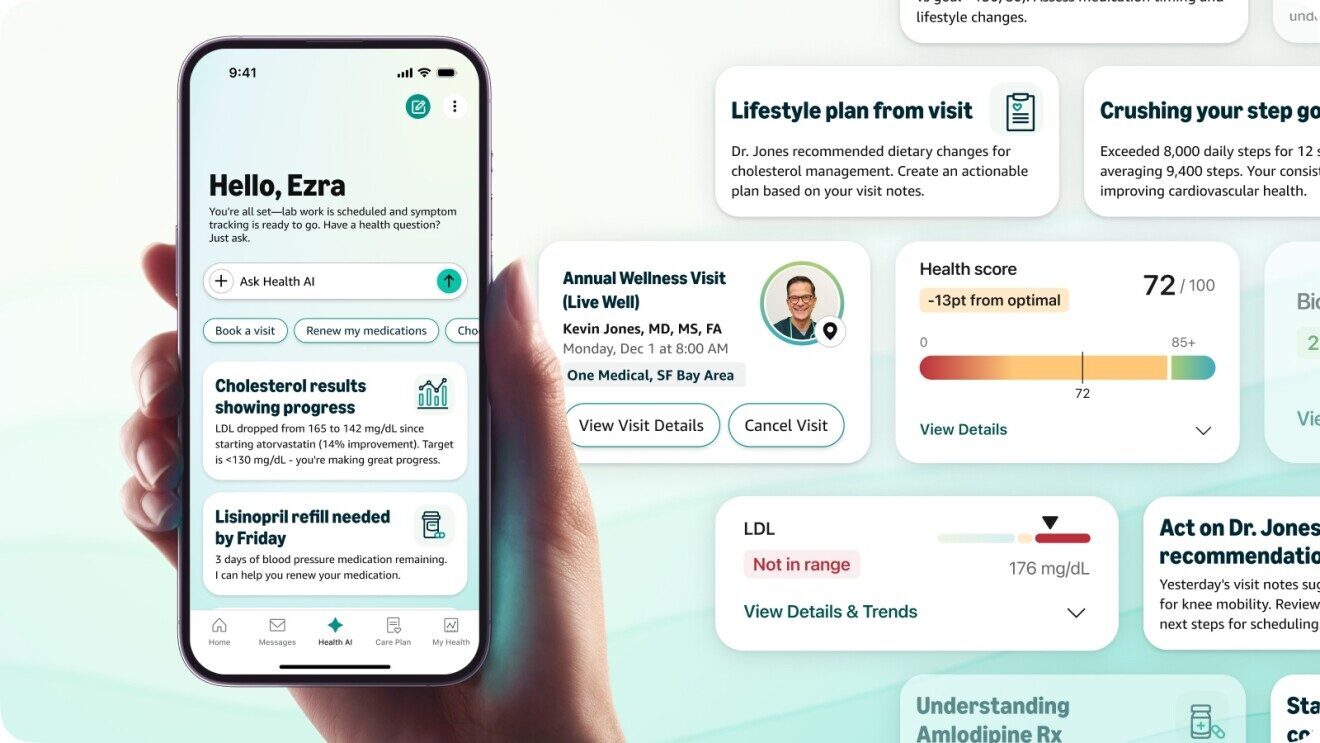
Amazon poszerza portfolio opieki zdrowotnej o nowe narzędzie generatywnej AI Health
Tech

Amazon poszerza portfolio opieki zdrowotnej o nowe narzędzie generatywnej AI Health

YouTube umożliwia twórcom generowanie podobizny sztucznej inteligencji do filmów Short
Tech

YouTube umożliwia twórcom generowanie podobizny sztucznej inteligencji do filmów Short

Anthropic zmienia Konstytucję Claude'a, dodając 80 nowych stron etyki sztucznej inteligencji
Tech

Anthropic zmienia Konstytucję Claude'a, dodając 80 nowych stron etyki sztucznej inteligencji

TechBriefly PL

© 2021 TechBriefly is a Linkmedya brand.

  • About
  • Blog
  • Contact
  • Contact Us
  • Cover Page
  • Modalités et Conditions
  • Politique de Confidentialité
  • Sur Tech Briefly
  • TechBriefly

Follow Us

No Result
View All Result
  • Tech
  • Business
  • Geek
  • Science
  • How to
  • about
    • Sur Tech Briefly
    • Modalités et Conditions
    • Politique de Confidentialité
    • Contact Us

This website uses cookies. By continuing to use this website you are giving consent to cookies being used. Visit our Privacy and Cookie Policy.